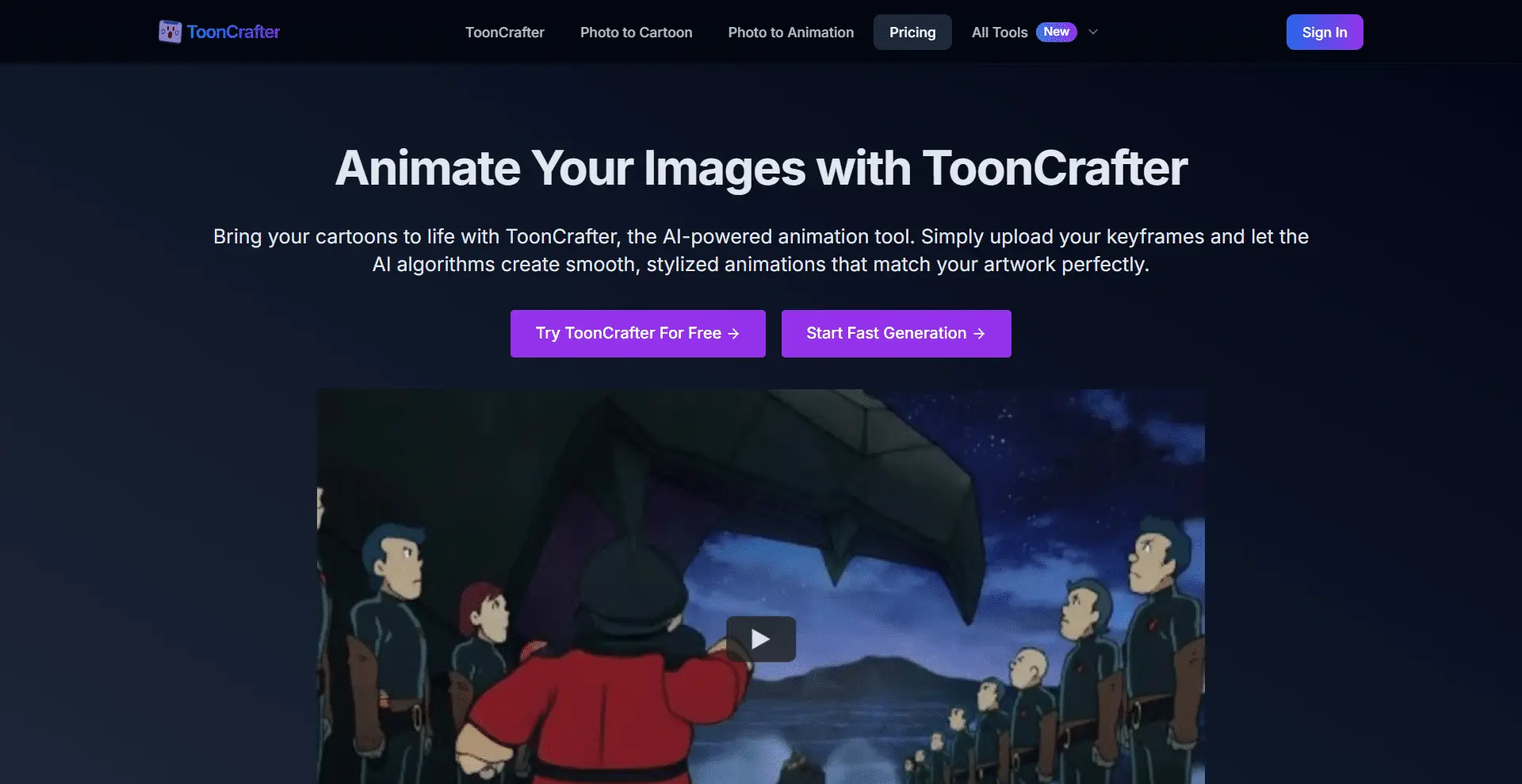
ToonCrafter AI is Transform Photos into Cartoons tool, which utilizes pre-trained video diffusion models to create visually compelling and natural-looking animations.
Overview
ToonCrafter is an advanced AI-powered animation tool that generates smooth transitions between cartoon key frames. While inspired by an open-source project, our commercial product offers enhanced features and optimizations for effortless, high-quality cartoon animation creation.
Input two static cartoon images and ToonCrafter automatically generates fluid, lifelike animation clips.
ToonCrafter extracts fine textures, lines, and other visual elements from input frames and incorporate them into the generated animations.
ToonCrafter generates animation clips in around 20 seconds, depending on the input configuration and current system load. While it might take slightly longer in some cases.
The main applications of ToonCrafter include cartoon sketch interpolation, reference-based sketch coloring (single and dual reference), and sparse sketch guide generation.
To run ToonCrafter locally, you need to download the pre-trained model, place it in the specified directory, and then execute the provided script or use the Gradio demo application. Detailed instructions can be found in the GitHub repository.
ToonCrafter AI is capable of generating videos with resolutions up to 512×320 and 16 fps. Inference times can be optimized by adjusting the number of DIM steps.
ToonCrafter AI, while powerful, can sometimes fail to semantically understand the content of an image, which can lead to the generation of incorrect actions in some cases. As an open-source research tool, it may not meet all commercial needs.