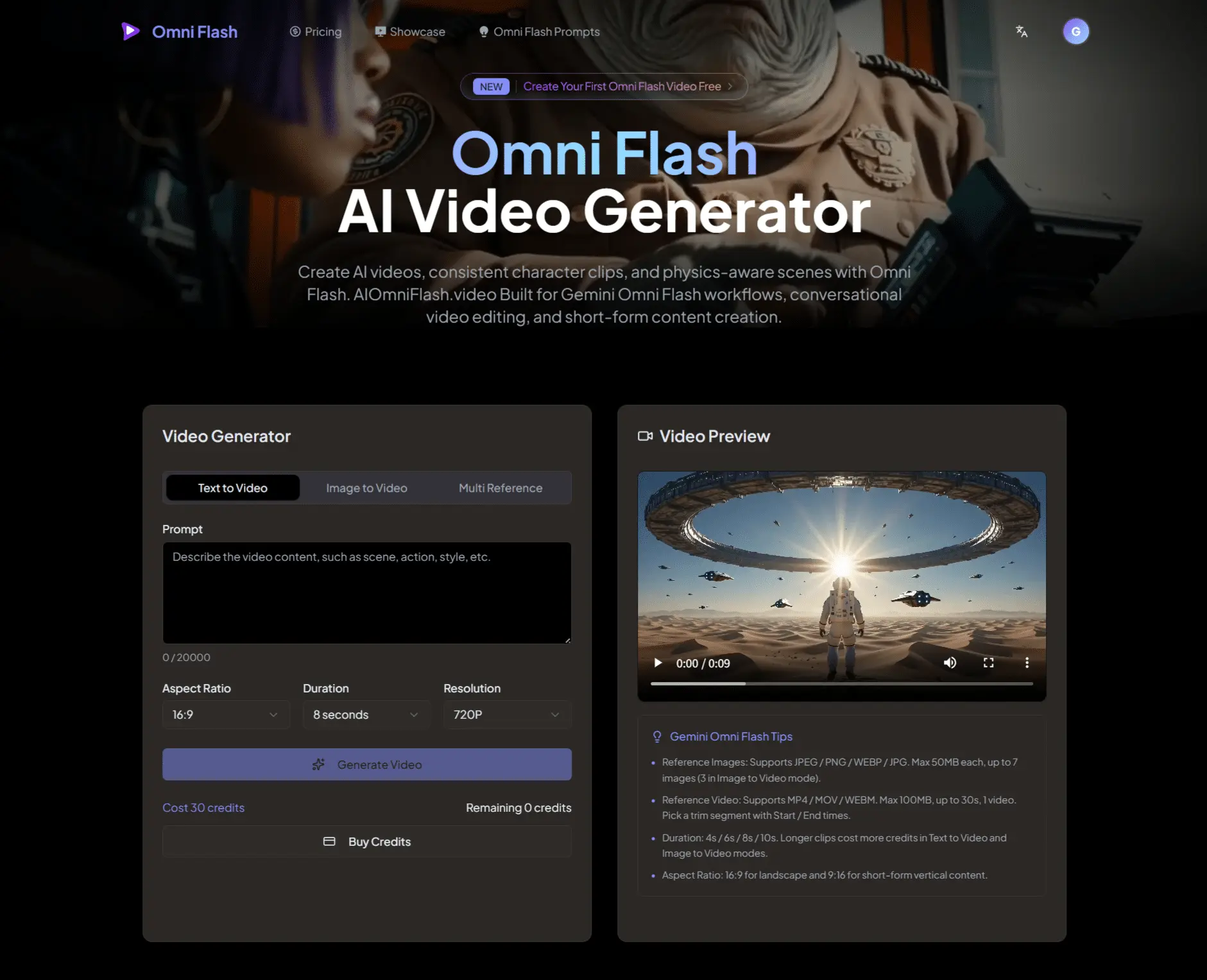
Create AI videos, consistent character clips, and physics-aware scenes with Omni Flash.
Overview
Gemini Omni Flash is the first model in the Gemini Omni family, focused on practical video generation and editing workflows. It can support natural language video editing, multimodal input control, reference-based generation, character consistency, and world-aware video creation where actions and environments feel more logically connected.
Text Input for Gemini Omni Flash
Text input lets users describe the video they want to create or edit using natural language. A prompt can define the scene, subject, action, camera movement, style, lighting, or specific transformation, making Gemini Omni Flash useful for text-to-video generation and conversational video refinement.
Image Input for Gemini Omni Flash
Image input can guide the generated video with a subject, character, object, scene, sketch, or visual style. Gemini Omni Flash can use image references to preserve key visual details, apply a chosen look, or turn a static idea into a moving video sequence.
Video Input for Gemini Omni Flash
Video input allows an existing clip to become the starting point for a new result. Gemini Omni Flash can transform the environment, change what happens in the scene, add objects, adjust camera perspective, or apply new effects while keeping the video coherent.
Voice Input for Gemini Omni Flash
Voice input supports speech-driven and avatar-style video workflows where vocal delivery can guide the final result. This makes it useful for presenter videos, character dialogue, narrated scenes, and generated clips where voice, expression, and on-screen action need to feel connected.
What sets Omni Flash apart from other AI video generators?
Omni Flash is built for quality and control. We render high-definition, cinematic videos with Gemini Omni Flash-powered style customization — and our free tier doesn't compromise on output quality, so every generation looks professional.
How should users write Omni Flash Prompt?
Prompts for Gemini Omni should describe the video direction clearly, including subject, action, camera movement, style, lighting, location, references, and consistency requirements. For editing workflows, it is better to refine one change at a time instead of rewriting the entire prompt after each result.
Can I use Omni Flash videos commercially?
Yes. All videos created with Omni Flash are yours to use commercially — for marketing campaigns, social media, product demos, or any other business purpose. You retain full rights to your content.